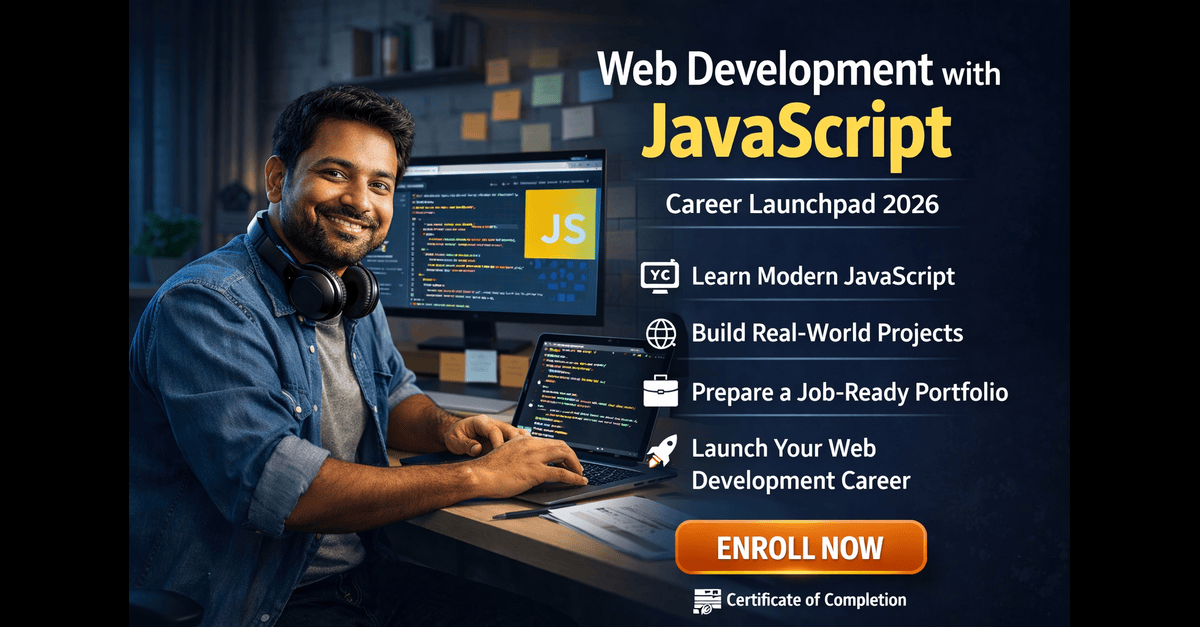
Career-oriented JavaScript web development course for 2026 job market
Master core JavaScript concepts with hands-on practice
Learn modern JavaScript (ES6+) for scalable and maintainable code
Develop real-world projects to strengthen practical skills
Improve problem-solving and debugging skills for JavaScript
Get guidance on freelancing, jobs, and career growth as a web developer
No prior programming experience required
Learn modern web development from fundamentals to real-world projects
Build interactive and dynamic websites using browser APIs and DOM
Work with APIs, asynchronous programming, and real data
Learn professional development workflow using Git and GitHub
Build a job-ready portfolio with multiple industry-style projects
Beginner-friendly course with step-by-step progression
Certificate of completion for career and portfolio use
Web Development with JavaScript Career Launchpad 2026
Live Class 1: Kickstart Your JavaScript Journey – Careers & Roadmap
Topics: What is JavaScript and why it's used in modern websites Difference between Frontend & Backend How JavaScript powers interactive web pages Career roadmap: Junior Developer → Frontend → Full-Stack Developer | JavaScript Essentials: variables, data types, and simple functions Common tools: VS Code, Chrome DevTools, Git & GitHub Real examples of how JS is used in daily web apps Inspiring success stories and Q&A sessions
Live Class 2: JavaScript Foundations – Theory and Core Concepts
Topics : Understanding variables ( let, const) and data types (numbers, strings, arrays) | Writing and calling simple functions Loops: for, while– how repetition works | Making decisions with if/else statements Working with objects and arrays (store and access data). Introduction to the DOM: how JS interacts with web pages | Handling user actions like button clicks or form inputs Mini assignment: write a function to sum numbers in an array
Live Class 3: Hands-on JavaScript Programming & Project Development
Topics: DOM Manipulation: change text, color, and elements dynamically JavaScript Events: button clicks, form submissions, and keypress | Introduction to API calls – getting real data from the internet Build a mini project: To-Do List App (add, delete, mark done) | Understanding asynchronous JS (basic intro to promises & async/await) | Debugging: using browser tools to fix errors Final project demo and wrap-up Next steps: how to keep learning and prepare for your first web job
Project: To-Do List Web App – Implement a dynamic to-do list with add, remove, and mark complete functionalities. Store data using localStorage.
0 Reviews
He is very good